
Nikon ZR firmware 2.0 is out: RED colour, R3D NE and UAE filmmakers
Nikon ZR firmware 2.0 is out (24 Nov 2026): Log3G10 H.265, four-level High ISO NR, HDMI 3D LUT, R3D NE peaking, and how UAE filmmakers can install it.
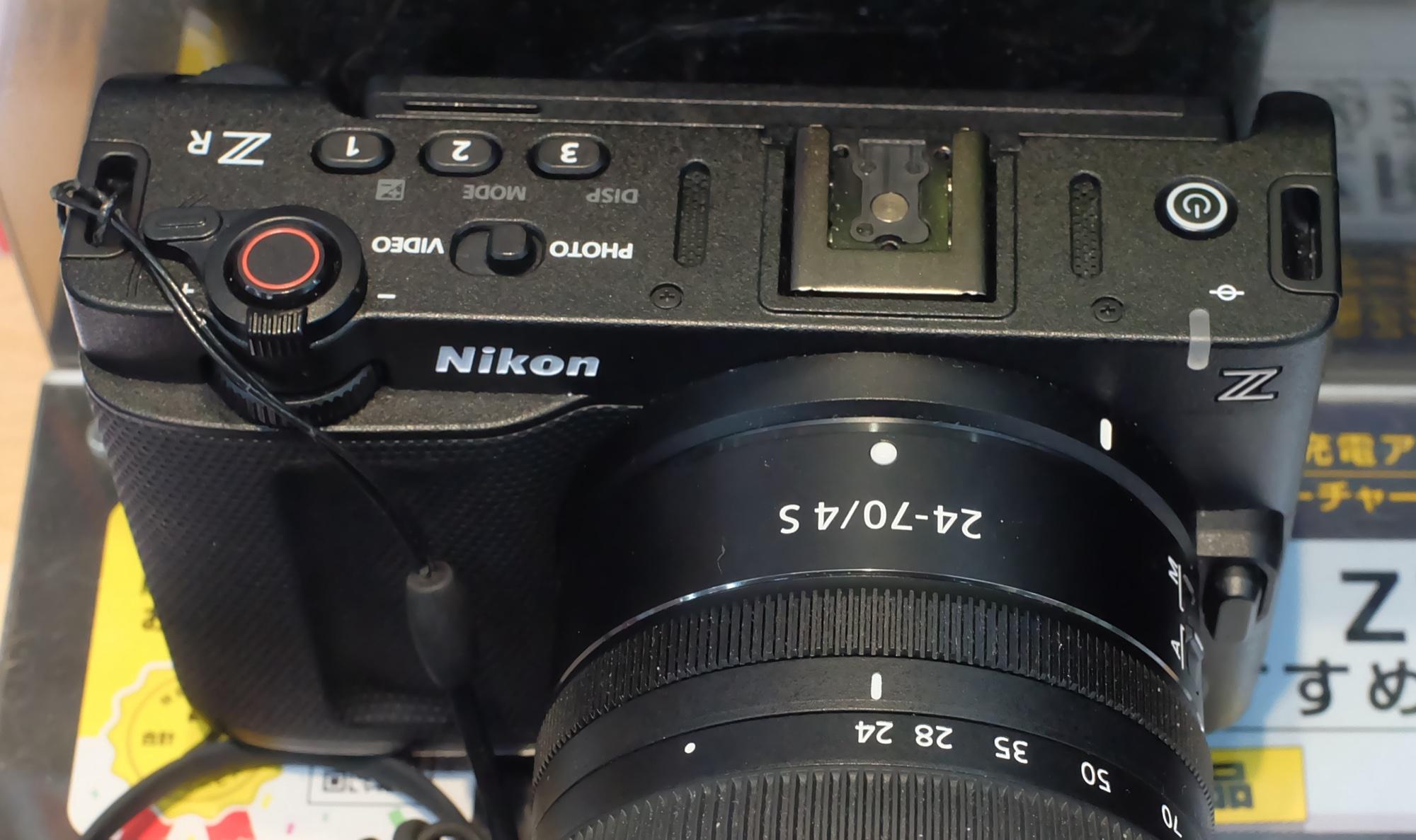
Key takeaways
- Nikon released firmware 2.00 for the Nikon ZR on 24 November 2026, and its global Download Center lists "C" Firmware Version 2.00 (ZR__0200.bin) for bodies on "C" 1.01 to 1.11.
- Nikon says firmware 2.00 adds Log3G10 gamma and REDWideGamutRGB to H.265 recording, so compact files can use RED colour science for grading.
- Nikon's 24 November release also lists four-level High ISO NR, R3D NE focus peaking with a 3D LUT applied, 3D LUT on HDMI output, dial and Fn assignments, and black-level fluctuation suppression.
- No Nikon Middle East & Africa page stating the release could be opened on 25 November 2026, so availability here rests on Nikon's global news release and Download Center.
- Open gate recording and anamorphic desqueeze display are a 2027 development goal, not part of firmware 2.00.
Updated 26 November 2026: Nikon Corporation released firmware version 2.00 for the Nikon ZR on 24 November 2026, and it is listed for download on Nikon's global Download Center. This article previously said 2.00 was not yet verified as downloadable. [1][2][3]
With nikon zr firmware 2.0, what matters for UAE filmmakers is what the update changes in colour, monitoring and day-to-day control, and whether that makes the camera a more credible alternative to a Sony FX3-class kit on Dubai commercial and creator jobs.
This guide sticks to Nikon's own 24 November 2026 news release and the Download Center release notes for ZR "C" firmware version 2.00, checked on 25 November 2026. It isn't a first-hand test report, a full body review or a price round-up.
What Nikon released in firmware 2.00
Nikon Corporation's English company news of 24 November 2026 announces the release of firmware version 2.00 for the Nikon ZR (released in October 2025), and describes it as the first major update since launch. [1] Nikon's Download Center lists ZR "C" Firmware Version 2.00, released 2026/11/24, as a download that updates the camera's "C" firmware to version 2.00 (file name ZR__0200.bin). It includes all changes made in previous updates. [2][3]
Nikon ZR firmware, from 1.11 to the 2027 goal
- Oct 2025Nikon ZR released
- 17 Mar 2026"C" firmware 1.11 released
- 8 Sep 2026Firmware 2.00 announced in developmentH.265 Log3G10 / REDWideGamutRGB, High ISO NR selection and R3D NE focus peaking; scheduled for release in 2026
- 24 Nov 2026Firmware 2.00 released"C" Firmware Version 2.00 (ZR__0200.bin) listed on Nikon's global Download Center
- 2027Open gate and anamorphic desqueeze displayA development goal, not part of firmware 2.00
The primary features in the 24 November news release, with the Download Center wording alongside where it differs: [1][2]
| Area | Nikon news release, 24 Nov 2026 [1] | Download Center notes, 1.11 to 2.00 [2] |
|---|---|---|
| H.265 colour | Log3G10 gamma added to the tone mode options for H.265, enabling the REDWideGamutRGB colour gamut, so compact H.265 can be graded with RED colour science | [Log3G10] available when the video file type is [H.265 10-bit (MOV)] |
| High ISO NR | Level selectable from four settings when shooting Log3G10 or N-Log in H.265 | [High ISO NR] now available with [N-Log] for [H.265 10-bit (MOV)] or [ProRes 422 HQ 10-bit (MOV)] |
| Controls | ISO, exposure settings, white balance (WB) and white-balance colour temperature (WBK) assignable to the command dials; [3D LUT/View Assist] on an Fn button switches in one operation | Exposure compensation, ISO, WB and colour temperature on the command dials in mode M; [3D LUT/View assist] assignable under g2 [Custom controls]; new b4 [Easy ISO] and g12 [Easy exposure compensation]; some Custom Settings items renumbered |
| R3D NE monitoring | Focus peaking supported even when a 3D LUT is applied during R3D NE recording | Focus peaking now available when 3D LUT is set to ON |
| HDMI | 3D LUT can be applied to HDMI output for an external monitor | 3D LUT can now be applied to video output via HDMI |
| Black level | New processing suppresses frame-by-frame black-level fluctuation, reducing flicker in low light and dark areas of the frame | "Reduced noise in dark areas of videos" |
The two High ISO NR wordings and the two black-level wordings are Nikon's own; this article keeps them side by side rather than merging them, and neither is a test result.
The Download Center change notes also list: [2]
- Picture Control item names changed: [Cloud Picture Control] to [Imaging Recipe], and [Add Cloud Picture Control files] to [Download Imaging Recipes], in both the video and photo menus.
- [Save] in [SETUP MENU] > [Manage user settings] is now [Edit].
- A fix for scrolling with touch controls not being smooth when live view was zoomed in with the camera in tall orientation and [Auto-rotate pictures] set to OFF.
Nikon defines R3D NE as a RAW format developed for Nikon cameras to deliver the distinctive colour science of cinema cameras from RED Digital Cinema Inc. [1]
Open gate recording and anamorphic desqueeze display are not listed in the 24 November news release or the 2.00 Download Center notes. Nikon's 8 September 2026 development notice said it was developing those items with the goal of incorporating them in ZR firmware in 2027. [4]
Is nikon zr firmware 2.0 available, and how is it installed?
Status on 25 November 2026: released and listed for download on Nikon's global Download Center.
Nikon Corporation announced the release on 24 November 2026 and pointed to the Download Center page for firmware 2.00. [1] The ZR product page on the Download Center shows "ZR Firmware C:Ver.2.00", released 2026/11/24, alongside the earlier C:Ver.1.11 package (released 2026/03/17). [3] The 2.00 download page says to check [Firmware version] in the camera's [SETUP MENU] first; you don't need the update if 2.00 is already installed. [2]
Supported camera firmware is "C" 1.01 to 1.11. The file is ZR__0200.bin (about 112.60 MB), and you need a card reader and a computer. Nikon's caution: don't update the firmware with lenses other than Z-mount NIKKOR lenses, or mount adapters other than FTZ II/FTZ, attached, as that could result in camera malfunction. [2]
Nikon's install steps, in summary: [2]
- Download
ZR__0200.binto a computer. - Copy it to the root directory of a memory card formatted in the camera (not into a folder).
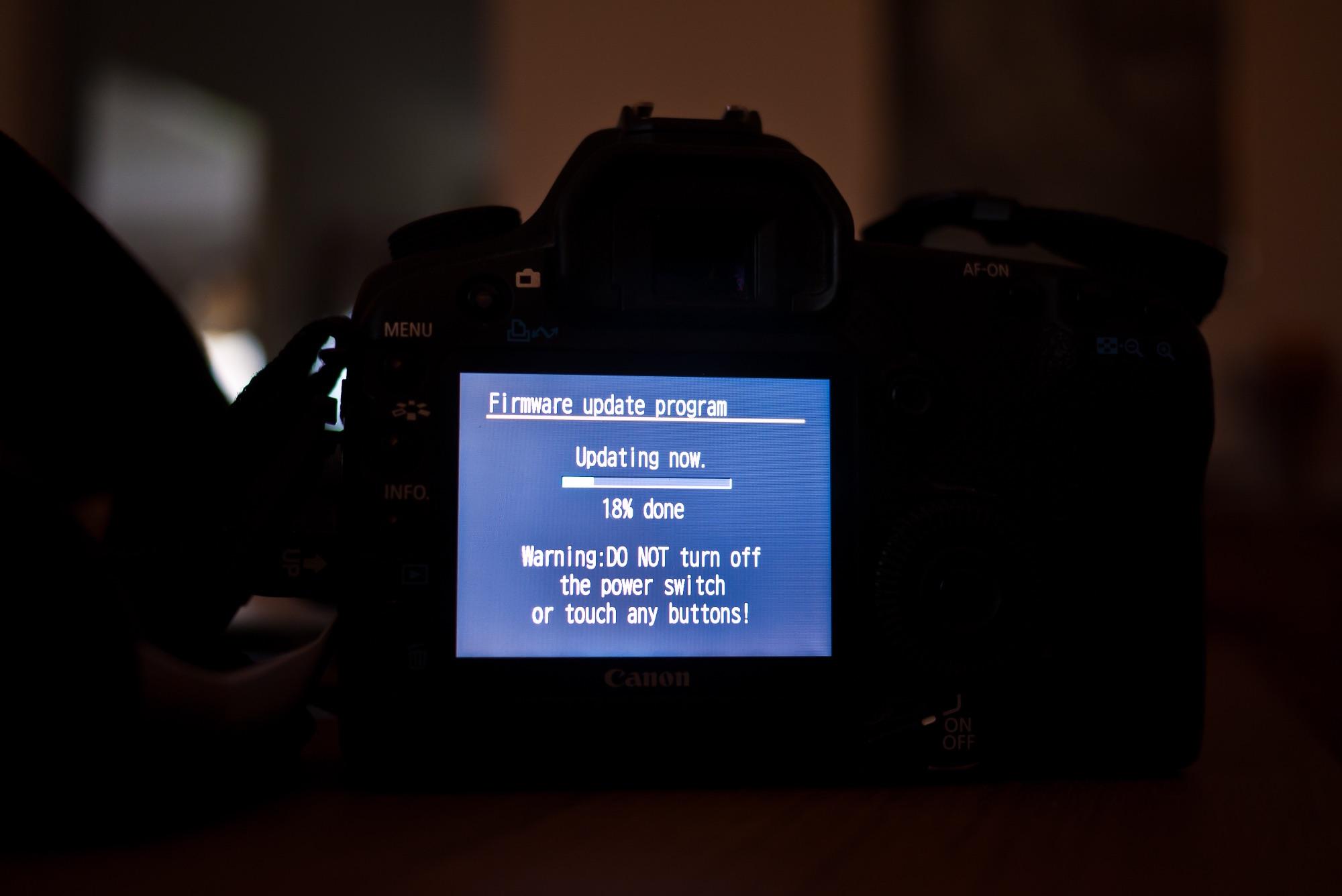
- Insert the card, turn the camera on and select [Firmware version] in the [SETUP MENU].
- Follow the on-screen instructions.
- Turn the camera off, remove the card and confirm the new version.
This article doesn't claim a UAE-specific or Nikon Middle East & Africa release notice: Nikon's MEA site could not be opened on 25 November 2026. Availability here is what Nikon's global news release and Download Center state. Re-check those pages, and any regional Nikon notice, before you plan a shoot around the new options.
Is my UAE ZR ready for firmware 2.00?
What does Firmware version in your ZR's SETUP MENU show?
What the RED colour and R3D NE workflow changes in practice
On Nikon's wording, firmware 2.00's clearest production change is bringing RED colour science into lightweight H.265 via Log3G10 and REDWideGamutRGB, while R3D NE remains the Nikon-side RAW path aimed at RED-like colour. [1]
For a Dubai commercial or creator day, once the firmware is installed, check these three things:
- Choose the recording path before the call sheet. H.265 Log3G10 / REDWideGamutRGB is the compact graded path Nikon describes. R3D NE is the RAW path for which Nikon describes focus peaking with a 3D LUT applied. Don't assume they're interchangeable for client delivery without a test grade.
- Build the monitor LUT plan. Nikon's 2.00 notes add 3D LUT on HDMI and Fn switching for 3D LUT and View Assist. That matters on bright exterior-to-interior Dubai days, where the on-camera screen and a director's monitor need the same preview intent. [1][2]
- Set High ISO NR deliberately. Four selectable levels on H.265 Log3G10 and N-Log (per Nikon's news release) let you bias towards texture or cleaner shadows. Note that choice in the camera report so colour doesn't fight a surprise NR setting. [1]
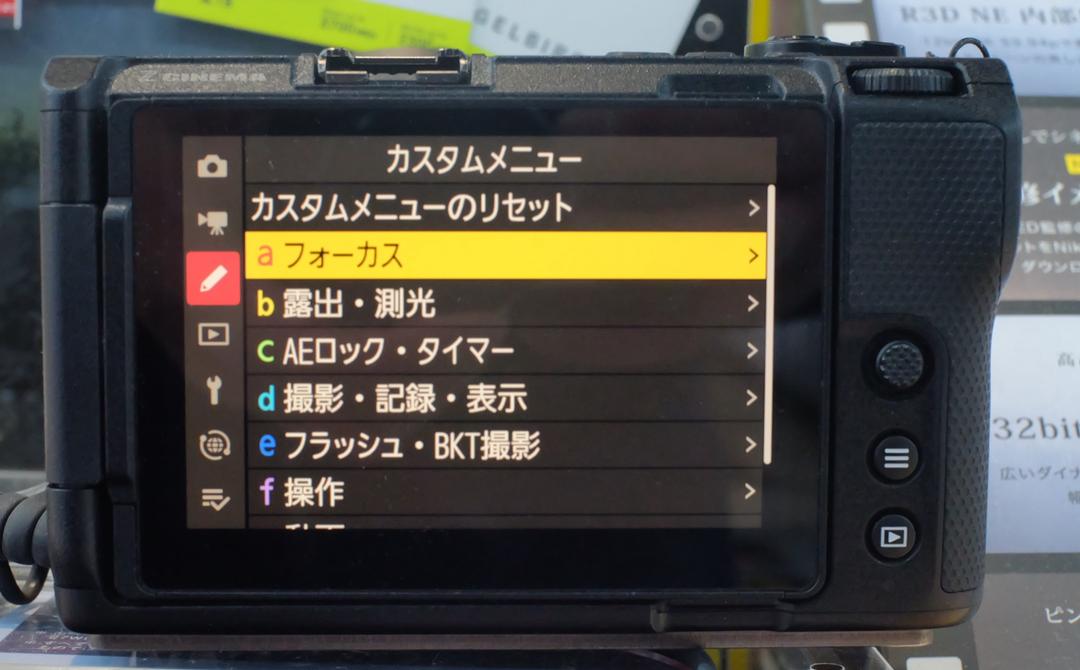
The ZR's rear screen on the Custom Settings menu (Japanese display). Nikon's 2.00 notes add new dial and Fn assignments and renumber some Custom Settings items. Photo: 昼落ち / Wikimedia Commons, CC0.
This article doesn't invent Resolve node recipes, UAE-sun look LUTs or first-hand grade results. Treat harsh noon sun, mall LEDs and mixed practicals as reasons to test your own pipeline before a paid day, not as proven outcomes here.
Is the ZR a credible FX3 alternative for Dubai shoots?
Where firmware 2.0 strengthens the ZR case (on paper): RED-aligned H.265 colour, stronger R3D NE monitoring, HDMI LUT out and faster dial and Fn access are the items Nikon lists in this first major post-launch update. For crews already thinking in RED colour tools, that is what stands out. [1][2]
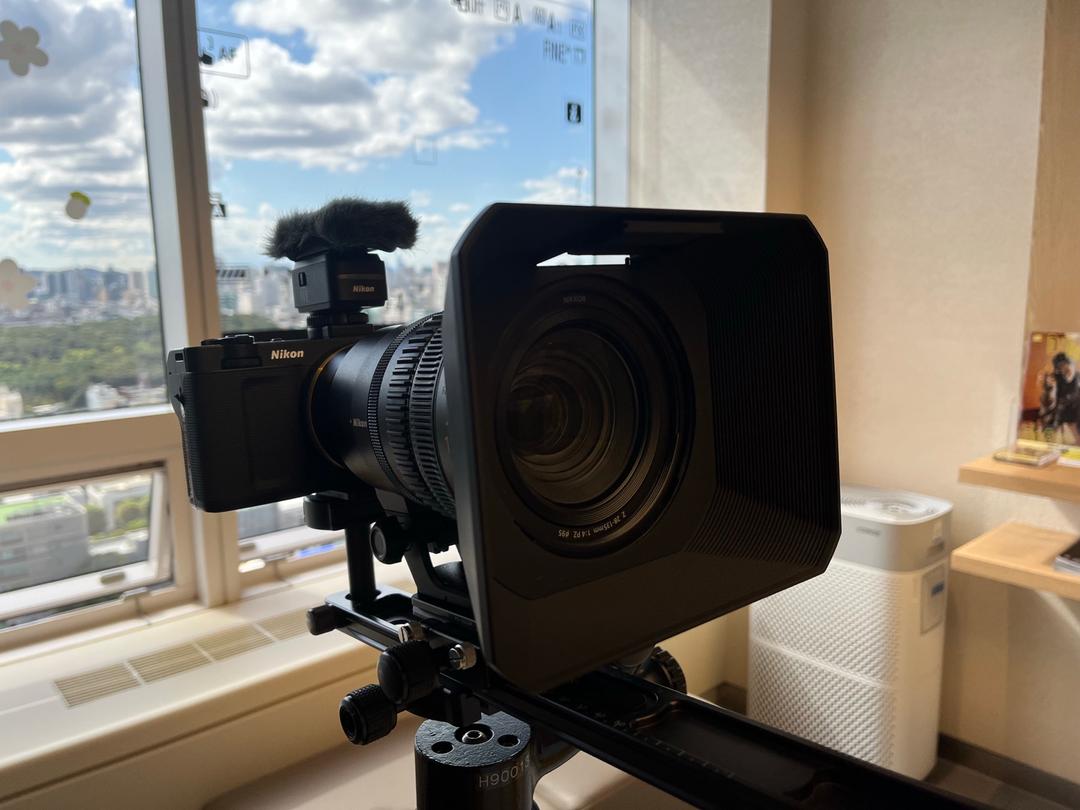
A pre-release ZR rigged as a compact cinema camera, with a Nikkor Z 28-135mm f/4 PZ and ME-D10 shotgun mic, at Nikon Korea's showroom. Photo: Kjoonlee / Wikimedia Commons, CC0.
Where the FX3-class kit still wins the comparison for many UAE jobs: Our editorial view, not a measured figure: on many short UAE commercials and creator days, crews already know that kit class and it's easy to find on local rental shelves. Sony's FX3 materials describe a Cinema Line full-frame body that records movies and stills, but no source we found publishes UAE rental numbers. Heat, sand and humidity care for any body is covered separately in Protect camera from heat, sand and humidity in the UAE. For hybrid-versus-cinema framing and live buy and rent maths, see Sony vs Canon video in the UAE and Sony FX3 UAE price; this piece doesn't repeat shelf numbers.
Heat note without invented limits: Nikon's 2.00 materials opened for this update do not publish a new UAE-summer recording-time table. Don't treat firmware 2.0 as a verified heat fix. Plan shade, airflow and card swaps the same way you would for any cinema body in Gulf summer, and re-check Nikon's current documentation for any thermal guidance.
Rent or buy for one Dubai job? If the client needs a RED-aligned grade path and your team already owns or can hire a ZR with confirmed 2.00, the firmware changes matter. If the job is a short hybrid day built around that kit class with local crew and rental inventory, changing ecosystems for colour science alone is usually the weaker reason. Location permits remain a separate checklist: filming permits in Dubai and Abu Dhabi.
Practical checklist for firmware 2.00
- Confirm the camera's current Firmware version in the SETUP MENU. If it isn't already 2.00, use Nikon's Download Center page for C Ver. 2.00 and follow the install steps and lens-mount caution above. [2][3]
- Decide H.265 Log3G10 / REDWideGamutRGB versus R3D NE before the shoot, not in the grade bay.
- Load and label the 3D LUT you'll use on camera and on HDMI.
- Note High ISO NR level in the camera report.
- Rehearse Fn and dial assignments so ISO, WB and LUT or View Assist changes don't stop rolling.
- Keep heat, power and media plans independent of the firmware update.
- Don't rely on Open Gate or anamorphic desqueeze until Nikon publishes those items in a later firmware. [4]
Sources
- Nikon Corporation: Nikon Announces Firmware Version 2.00 for the Nikon ZR, Enhancing Creative Capabilities and Workflows from Professional Filmmakers to Content Creators. Release of firmware 2.00; Log3G10 / REDWideGamutRGB for H.265; four-level High ISO NR for Log3G10 or N-Log in H.265; command-dial and Fn assignments; R3D NE focus peaking with 3D LUT; HDMI 3D LUT; black-level fluctuation suppression; R3D NE definition. Published 24 Nov 2026; accessed 25 Nov 2026.
- Nikon Download Center: ZR Firmware, "C" Firmware Version 2.00. Updates "C" firmware to 2.00; file ZR__0200.bin (approx. 112.60 MB); supported versions 1.01 to 1.11; change notes from 1.11 to 2.00; install steps and lens-mount caution. Accessed 25 Nov 2026.
- Nikon Download Center: ZR product page. Lists ZR Firmware C:Ver.2.00, released 2026/11/24, and C:Ver.1.11, released 2026/03/17. Accessed 25 Nov 2026.
- Nikon Corporation: Nikon is developing firmware version 2.00 for the Nikon ZR full-frame sensor camera. Earlier development notice; open gate and anamorphic desqueeze targeted for 2027. Published 8 Sep 2026; re-checked 25 Nov 2026.
Frequently asked questions
What does Nikon ZR firmware 2.0 actually add?
On Nikon's 24 November 2026 news release and the Download Center notes: Log3G10 and REDWideGamutRGB for H.265; selectable High ISO NR; command-dial and Fn assignments, including 3D LUT / View Assist; 3D LUT on HDMI; focus peaking with a 3D LUT applied; and black-level fluctuation suppression. Open gate is described as a 2027 development goal, not a 2.00 item.
Is Nikon ZR firmware 2.0 available in the UAE yet?
Firmware 2.00 was released on 24 November 2026 and is listed on Nikon's global Download Center as "C" Firmware Version 2.00 (file ZR__0200.bin). No Nikon Middle East & Africa page stating the release could be opened on 25 November 2026, so re-check the Download Center and any regional notice before you commit.
Does firmware 2.0 put RED colour into H.265?
Yes, on Nikon's wording: H.265 recording gains Log3G10 gamma and REDWideGamutRGB so compact files can use RED colour science for grading.
Is Open Gate part of firmware 2.0?
No. It isn't listed in the 24 November 2.00 news release or the Download Center notes. Nikon's September 2026 English release places open gate and anamorphic desqueeze in firmware development aimed at 2027.
Sources

About the editor
Wessel has worked in technology for more than 25 years and manages social media for some of the world's biggest brands. He knows which gear earns its place in a working creator's bag.
Related stories
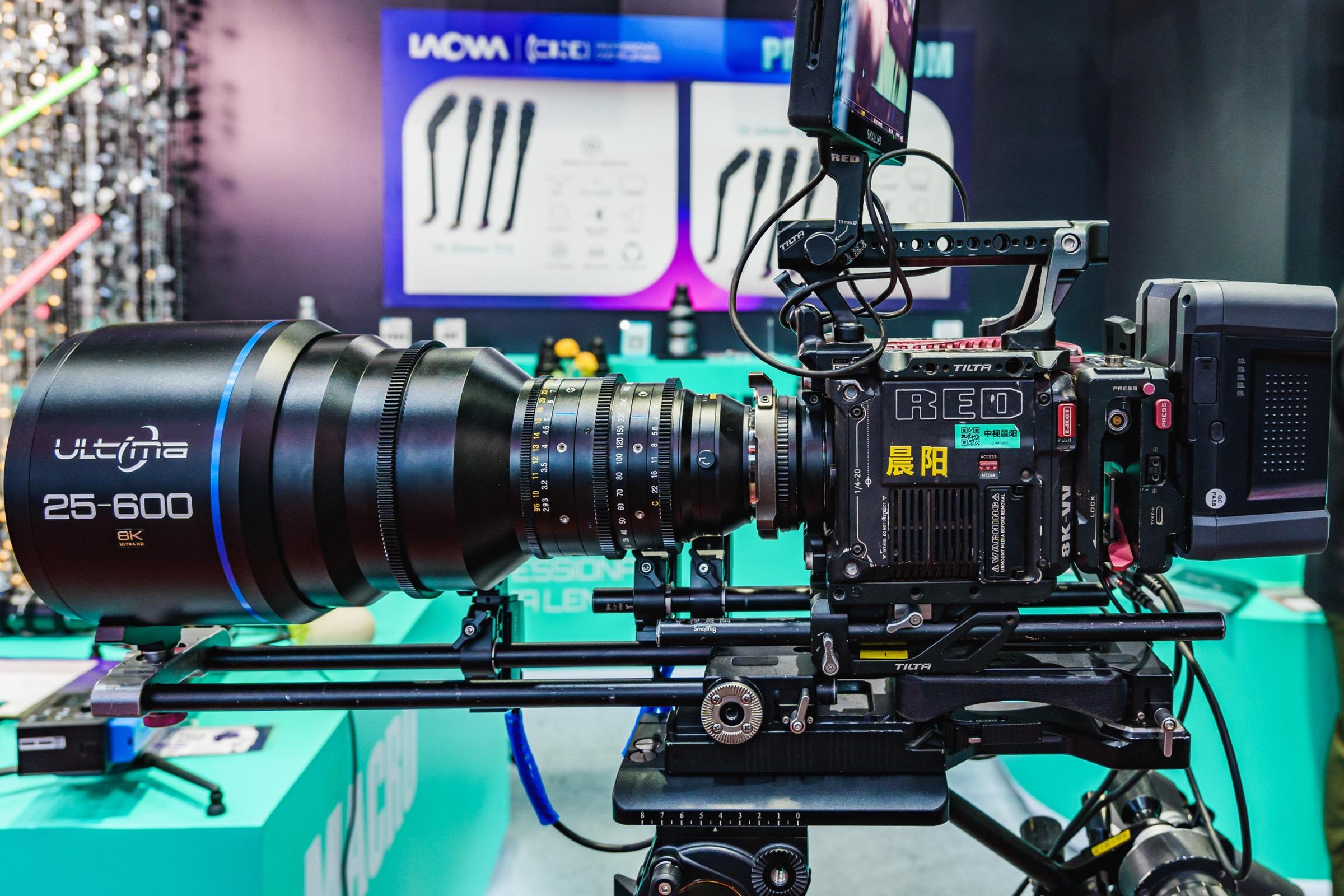
RED Komodo-X price: US$4,995 at B&H, US$6,995 at RED. Is a RED now realistic for UAE filmmakers?
RED Komodo-X price: US$4,995 at B&H, US$6,995 on RED's store. Official specs, the UAE dealer price on 13 Nov 2026, warranty and buy vs rent.

Sony FX3 price in the UAE: what it costs and when renting wins
Sony FX3 prices in the UAE, checked 3 to 6 Nov 2026: AED 15,025.50 at UBMS to AED 16,499 at Jumbo, plus rental rates, break-even days, the FX3A and the a7 IV.
Camera firmware hack: party trick or UAE warranty problem?
Viral camera firmware hacks explained for UAE owners: what the DOOM and OM-3 demos showed, and how local warranty terms treat unauthorised software.