
Shooting in 45°C: How to Protect Your Camera from Heat in the UAE
Keep stills and video cameras working in UAE heat: operating temps, condensation tips, sand protection, batteries and a practical kit list.
Key takeaways
- Most mirrorless and DSLR cameras are rated for about 0–40°C, while UAE afternoons have reached 45°C and above.
- Leaving air-conditioning? Seal the camera in a plastic bag and wait about an hour before opening it.
- Change lenses only indoors, in a closed vehicle or in a changing bag: Sony warns some sand damage cannot be repaired.
- Charge batteries between 10°C and 30°C, and keep stored kit at around 40–50% relative humidity.
Most mirrorless and DSLR cameras leave the factory rated for an operating ceiling of 0–40°C. In the United Arab Emirates, summer afternoons routinely push past that specification before you even step out of the shade. The National Center of Meteorology (NCM) has logged afternoon highs of 45°C in Hatta, Dubai (Al Etihad / NCM Hatta 45°C) and 45.6°C in Umm Al Gaf (Al Etihad / NCM 45.6°C)—and those are shaded meteorological air temperatures, before direct desert radiation bakes a matte-black magnesium-alloy camera body in open sun. Without preparation, continuous 4K or 8K video will hit thermal cut-outs long before your call sheet is finished. Here is how working Gulf photographers and filmmakers protect a camera from heat in the UAE, while guarding sensors, lenses, and batteries against windblown dune sand and coastal humidity.
The broader seasonal baseline explains why the Emirates test camera hardware so severely. According to NCM July climate summaries reported by Al Etihad, average daytime highs across the country sit between 39.7°C and 43.8°C, mean relative humidity hovers around 46%, and mean maximum relative humidity regularly climbs to 64–81% along the coast (Al Etihad / NCM July summary). That same NCM climate record notes an all-time July peak of 51.8°C recorded at Mezaira (Liwa) in 2017.
Rated for 40°C, shooting at 45°C
- 45°C Hatta, Dubai (NCM)
- 45.6°C Umm Al Gaf (NCM)
- 51.8°C Mezaira, July 2017 record
Manufacturer operating temperatures
| Brand & Camera Model | Official Operating Environment | Source |
|---|---|---|
| Sony ILME-FX5 / FX5B | 0–40°C | Sony FX5 Help Guide |
| Sony ILME-FX3A | 0–40°C | Sony USA FX3A specs |
| Nikon Z 8 | −10°C to 40°C; 85% or less humidity (no condensation) | Nikon Z 8 specifications |
| Fujifilm X-T30 III | 0–40°C; 10–80% humidity (no condensation) | Fujifilm specifications |
| Canon EOS R5 Mark II | 0–40°C, 85% or less humidity | Canon UK specifications |
Even dedicated Cinema Line workhorses such as the Sony FX5 and FX3A share that standard 0–40°C operating envelope. When you roll on a 45°C UAE afternoon, your camera is already operating beyond its published factory threshold. If you are weighing which bodies hold up best for commercial productions, see our side-by-side comparison of Sony vs Canon for video in the UAE, and always plan shade, shorter takes, and active cool-down intervals into your shooting schedule.
Stills vs video
Short bursts of still frames generate far less internal heat than continuous high-bitrate video readout. Sony's published test figures for the α1 (with Auto Power Off Temp. set to High, starting from a cold rest with Wi-Fi turned off) illustrate how steeply ambient heat cuts recording endurance: continuous 4K recording drops from roughly 30 minutes at 25°C to about 10 minutes at 40°C under Sony's stated test conditions (Sony α1 Help Guide). Exact runtimes vary across bodies, frame rates, and codecs, so check the thermal table in your own camera's manual before committing to long single-take interviews outdoors.
Sony α1: minutes of 4K before the heat cut-out
Video overheating: behaviour and settings
Most modern mirrorless and cinema bodies let you raise the internal thermal shut-off ceiling in the menu. On the Sony FX5, Auto Power Off Temp. is located under [Technical] → [Power Settings] (Standard or High) (Sony FX5 Technical). On the Sony α1 and FX3A, the same control sits under MENU → Setup → Power Setting Option (Sony α1 Help Guide). Selecting High allows the camera to record longer before shutting down, but Sony attaches a strict safety rule: do not shoot handheld when High is enabled—mount the camera on a tripod, because prolonged skin contact with a hot chassis can cause low-temperature burns. On the FX5, Sony extends that warning to any high-temperature environment or operator with sensitive skin, and cautions operators to keep fingers clear of the ventilation ports (Sony FX5 Usage Precautions).
On location, three habits extend recording time more reliably than any menu toggle: rigging a white sun umbrella or flag for shade, breaking takes into shorter segments with power-off cool-downs, and disabling Wi-Fi and Bluetooth when you are not actively transferring files. Sony's FX5 precautions note that in high ambient temperatures the camera heats up rapidly, image noise or quality degradation may appear, and recording may halt or power off automatically to protect the circuitry; if that happens, switch the body off and let both the chassis and the battery cool in the shade (Sony FX5 Usage Precautions).
Canon's EOS R5 series offers a comparable Auto Power Off Temp. (Standard / High) setting for movie recording, introduced on the original R5 via firmware 1.6.0. Switching to High extends recording time in warm conditions, though Canon likewise warns that the baseplate and card door area can become significantly hotter to the touch (Canon Latin America firmware notice).
Condensation: fogging after you leave the AC
If desert heat is the midday threat, condensation is the classic coastal trap in Dubai and Abu Dhabi. Whenever a camera sits overnight in a 20°C air-conditioned hotel room or studio and goes straight out onto a humid marina, beach, or Corniche promenade, the cold glass and metal surfaces sit well below the outdoor dew point. Within seconds, moisture condenses across the front element, viewfinder, and—far worse—inside the lens barrel and onto the sensor.
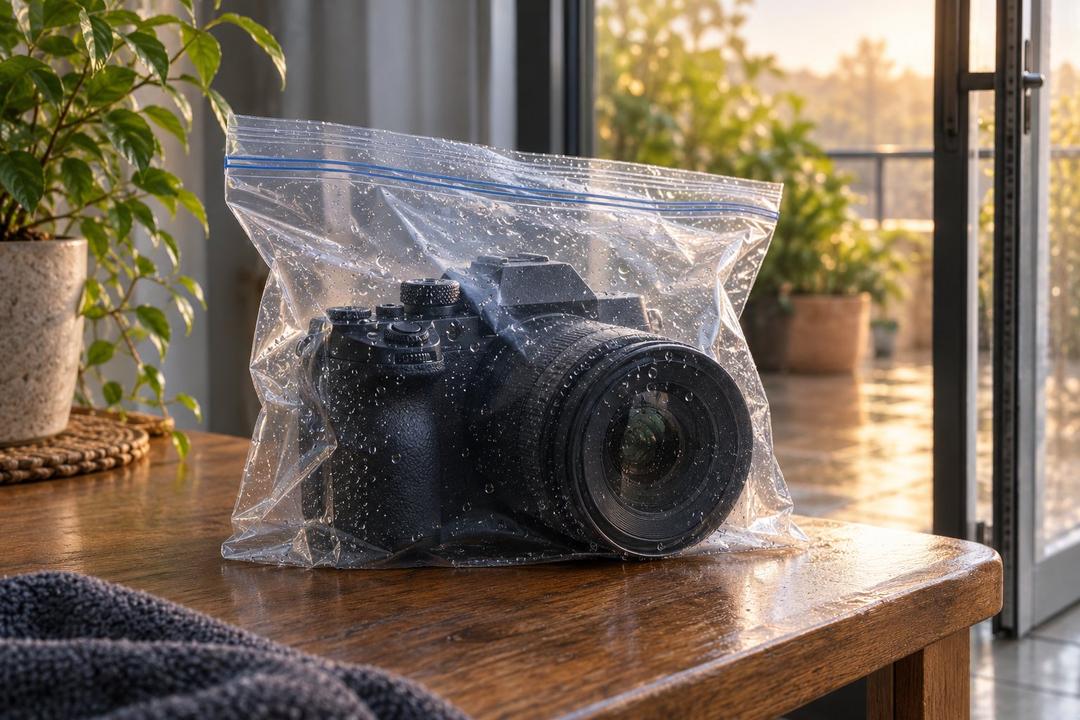
Illustration created with AI.
To prevent condensation on a camera after leaving air conditioning, follow Sony's official four-step moisture protocol from the FX5 Help Guide (Sony FX5 Usage Precautions):
- Seal the gear indoors: Before stepping out of the cold air-conditioned room or vehicle, place the camera and lens inside a heavy-duty plastic bag and seal it tightly so humid outdoor air cannot reach the cold surfaces.
- Acclimatise for roughly one hour: Let the sealed bag sit in the warmer environment for about one hour until the camera body and glass warm up to ambient temperature (so any moisture forms harmlessly on the outside of the plastic bag rather than on your optics).
- Unbag and shoot: Once the gear matches the outdoor temperature, open the bag and begin working.
- If condensation has already formed: Turn the camera off immediately and wait about an hour for the moisture to evaporate naturally. Never operate the camera or change lenses while moisture remains inside.
Other manufacturers issue identical warnings. Canon's EOS R5 Mark II handling precautions specifically instruct photographers not to turn on the camera or open the lens mount, memory card slot, or battery compartment until internal condensation has completely evaporated (Canon EOS R5 Mark II Handling Precautions).
Sand that "in some cases cannot be repaired": keep lens changes indoors
Arabian desert sand is extraordinarily fine—often closer to talcum powder than coarse beach grit—and a single gust along the slip-faces of Liwa, Al Qudra, or Al Badayer can work its way into focus helicoids, zoom rings, and shutter mechanisms. Sony's FX5 precautions state the stakes plainly: be careful not to let sand or dust enter the product, as ingress may cause a malfunction, "and in some cases this malfunction cannot be repaired" (Sony FX5 Usage Precautions). Always clean off water, sand, dust, and coastal salt residue immediately after a shoot.
If you shoot with an actively cooled cinema body like the Sony FX5, its internal cooling fan introduces three additional rules in the desert:
- Do not operate the camera where dust or sand is airborne.
- Keep foreign particles from being drawn into the intake while the cooling fan is spinning.
- Never block or cover the air vents with wraps, hands, or camera bags while powered on (Sony FX5 Usage Precautions).
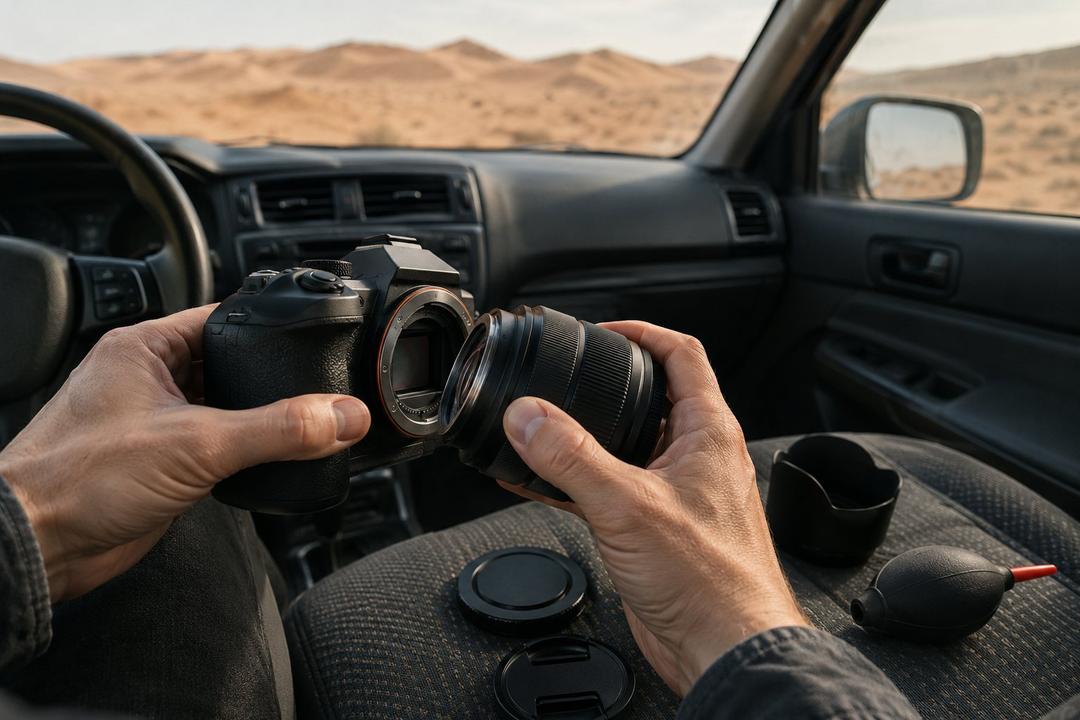
Illustration created with AI.
Whether you are shooting dunes or rocky wadis among the most photogenic spots in the UAE, stick to five non-negotiable field rules:
- Mount your primary lens before leaving the hotel or closed SUV: Change lenses only indoors, inside a sealed vehicle with the AC blower turned down and doors shut for a minute to let dust settle, or inside a dedicated zippered changing bag.
- Minimise open-mount exposure: Point the camera mount downward, inspect and air-blow rear lens caps before fitting them, and always use a rocket blower before touching any optical surface with a microfibre cloth.
- Wipe off salt spray after coastal shoots: Sea breeze along Jumeirah, Saadiyat, or Fujairah deposits sticky salt crystals that corrode seals if left overnight.
- Carry two bodies instead of swapping glass in the wind: Many professionals pair two sealed bodies—see our guide to the camera setups Dubai creators actually use—specifically to avoid exposing a sensor on the dunes.
- Protect the sensor from magnified sunlight: If the camera sits idle outdoors, fit the lens cap immediately. When framing backlit desert scenes, keep the sun well clear of the angle of view; Sony warns that intense sunlight focused through a lens can cause smoke or fire inside the camera body (Sony FX5 Usage Precautions).
Weather-resistant gaskets help fend off light dust, but no weather sealing on earth makes an open lens mount safe in a desert breeze.
Desert shoot practicalities: protecting cameras from heat and sand
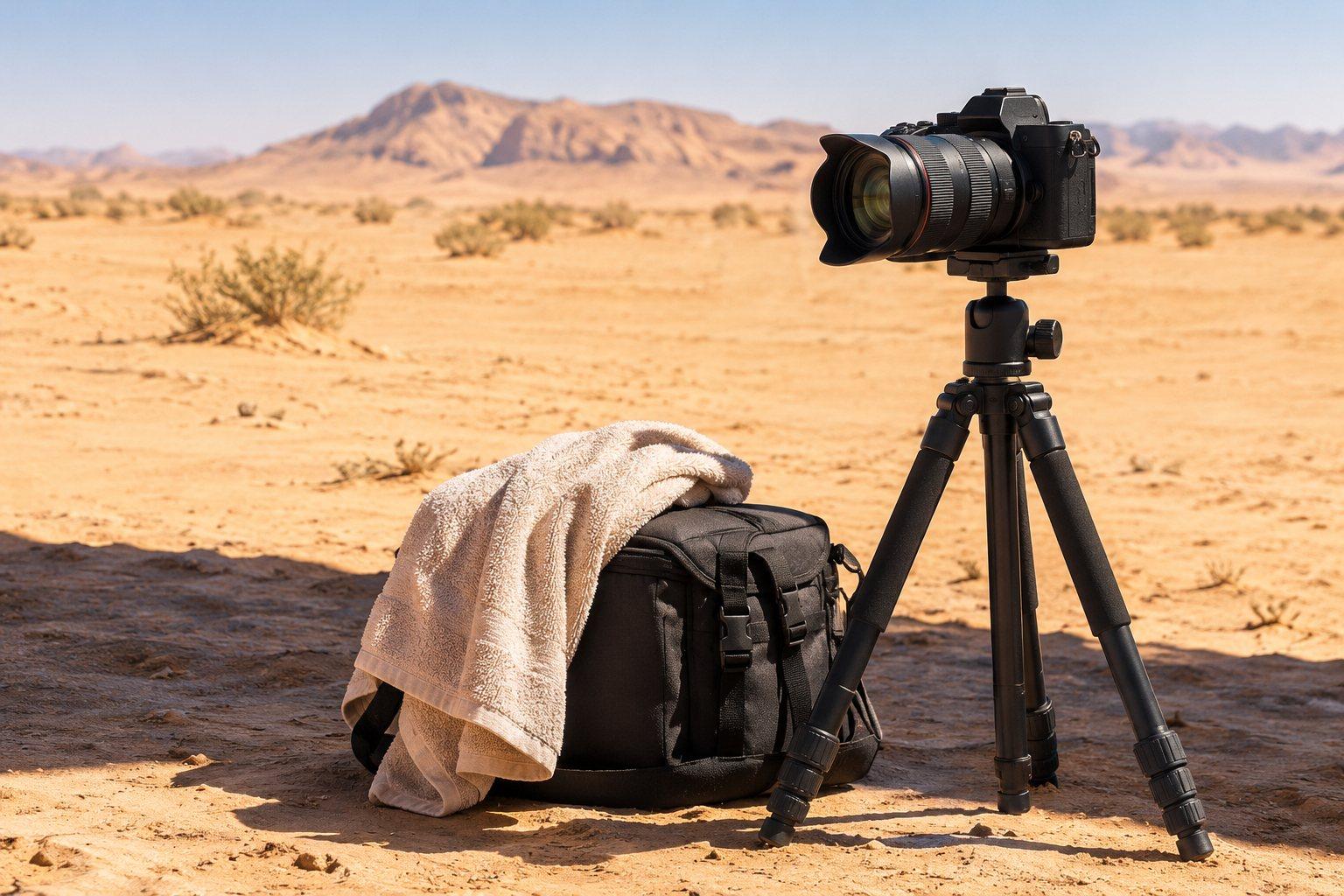
When afternoon temperatures touch 45°C, smart production scheduling is your best thermal shield. Shoot at first light and golden hour, and wrap outdoor desert setups before midday. Between takes, rest cameras in open shade under a white reflective cloth rather than leaving them baking on a tripod in direct sun—and never leave camera bags or batteries on a car dashboard or inside a parked vehicle in the sun, which Sony explicitly lists among environments where equipment must never be used or stored (Sony FX5 Usage Precautions). Carry extra memory cards so you can swap hot media between takes, and plan B-roll cutaways so your A-camera gets regular ten-minute thermal breaks.
Batteries in the heat: charging can fail before the shoot does
High ambient temperatures punish lithium-ion chemistry just as hard as they punish image sensors. Sony's official battery guidelines for the FX5 (Sony FX5 — Notes on the Battery Pack) highlight four critical rules for hot-weather crews:
- Use genuine manufacturer batteries: Third-party packs often lack accurate thermal protection sensors.
- Keep spare packs out of extreme heat: Never store batteries in direct sunlight or inside a hot vehicle cabin.
- Charge indoors between 10°C and 30°C: Outside that 10–30°C ambient window, lithium-ion chargers may refuse to start or pause mid-cycle until the cell temperature recovers—meaning a charger plugged into a warm desert camp tent or hot car inverter can fail to top up your packs.
- Maintain cells before long-term storage: Store batteries in a cool, dry place, and fully charge then completely discharge each pack in the camera at least once a year.
Remember that battery models vary even within the same product family: the Sony FX3A runs on the compact NP-FZ100 (Sony USA FX3A specs), whereas the Sony FX5 uses the higher-capacity NP-SA100 (Sony FX5 Help Guide). Keep spare packs for your specific body inside an insulated cooler pouch (without loose ice or moisture) in the shade, and charge everything overnight in an air-conditioned room.
Storage: dry cabinets and silica gel
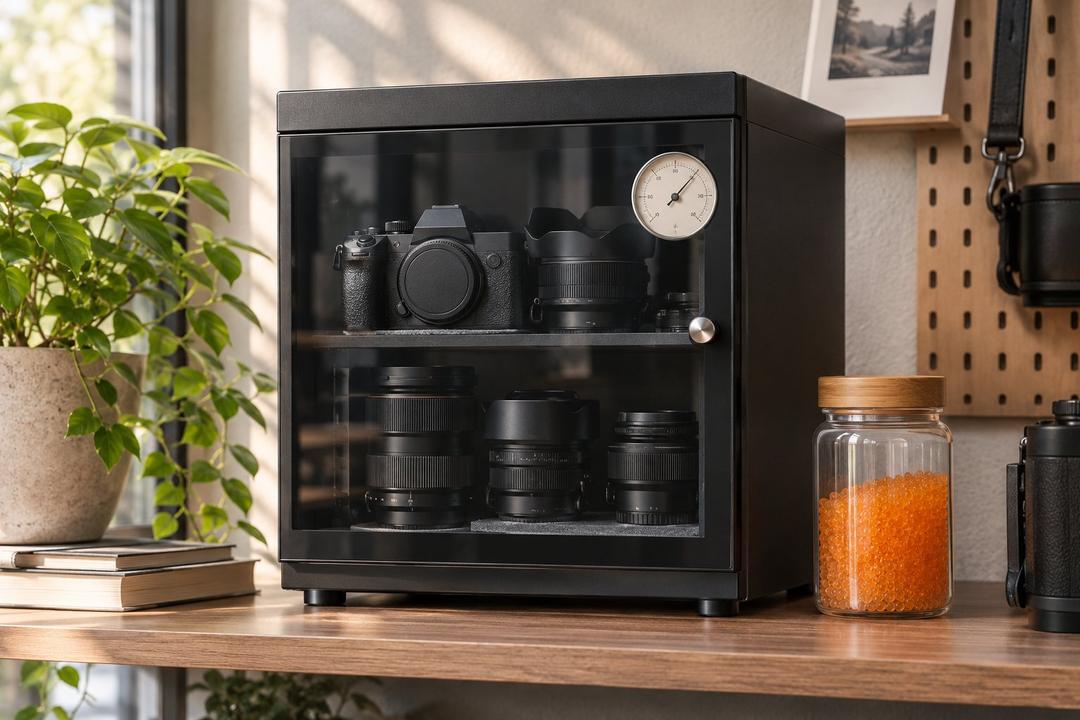
Illustration created with AI.
How you store your kit between shoots matters just as much as how you handle it in the dunes—especially if you have invested heavily in fast glass (see our guide to Sony E-mount lenses and UAE kit costs). Both the Sony FX5 and FX3A specify an official storage temperature range of −20°C to +55°C (Sony FX5 Help Guide; Sony USA FX3A specs), and Sony's FX5 precautions warn that storing gear in high-humidity spaces can promote fungus and mould growth inside lens elements (Sony FX5 Usage Precautions).
Because coastal apartments in Dubai, Abu Dhabi, and Sharjah experience high summer humidity whenever AC units cycle down, a dedicated electronic dry cabinet is one of the smartest investments a UAE photographer can make. As Digital Camera World notes, the sweet spot for camera and lens storage is 40–50% relative humidity (RH), while keeping humidity above roughly 30% RH so rubber grips, lubricants, and adhesives do not dry out and crack (Digital Camera World). If you are travelling or storing a smaller kit, use an airtight hard case or gasket-sealed box paired with colour-indicating silica gel packets and a digital hygrometer.
Relative humidity: dry cabinet vs July air
- 30% keep a dry cabinet above about this
- 46% July mean relative humidity
Practical kit list
- Heavy-duty zip-top plastic bags large enough to seal your camera and mounted lens for the one-hour AC-to-outdoors acclimatisation routine.
- Rocket air blower, lens brush, and sealed microfibre cloths, plus clean, grit-free body and rear lens caps.
- Genuine spare batteries matched to your camera body (
NP-FZ100for FX3A / Alpha bodies;NP-SA100for FX5) stored in an insulated shade pouch. - White reflective wrap, sun umbrella, or light cotton cloth to shade the camera chassis between takes (while keeping FX5 cooling vents completely unobstructed).
- High-temperature-rated CFexpress or SD cards and dual-slot backup recording where supported.
- Electronic dry cabinet set to 40–50% RH at home, or an airtight case with rechargeable indicating silica gel and a pocket hygrometer on the road.
- Zippered lens-changing bag (or a strict production rule that lenses are only swapped inside a closed vehicle).
- Compact secondary body—such as one of the best compact full-frame cameras for UAE travel—so you can cover wide and tight focal lengths in the desert without opening a sensor to the wind.
Sources
- Sony FX5 specifications (Help Guide)
- Sony FX5 Usage Precautions (Help Guide)
- Sony FX5 Notes on the Battery Pack (Help Guide)
- Sony FX5 Technical — Auto Power Off Temp. (Help Guide)
- Sony USA ILME-FX3A full specifications
- Sony α1 Auto Power OFF Temp. and continuous recording times (Help Guide)
- Nikon Z 8 official product page and operating environment
- Fujifilm X-T30 III official specifications
- Canon UK EOS R5 Mark II official specifications
- Canon EOS R5 Mark II Handling Precautions (Manual)
- Canon Latin America advisory: EOS R5 firmware 1.6.0 Auto Power Off Temp.
- Al Etihad / NCM July climate summary for the UAE
- Al Etihad / NCM report: 45°C recorded in Hatta, Dubai
- Al Etihad / NCM report: 45.6°C recorded in Umm Al Gaf
- Digital Camera World: Best dry cabinets for cameras and target humidity guide
Frequently asked questions
Can I record video all afternoon at 45°C?
Rarely without breaks. The NCM has recorded 45°C and higher afternoon air temperatures in the UAE, and cameras rated to an operating ceiling of 40°C will eventually throttle or power down in open heat. Even on the Sony α1 with Auto Power Off Temp. set to High, continuous 4K recording times at 40°C are roughly a third of those at 25°C under Sony's published test conditions. Keep the camera shaded, shoot shorter takes with power-off cool-downs, and only use the High thermal setting on a tripod as Sony requires.
How long should I bag the camera after leaving AC?
Sony recommends sealing the camera inside a plastic bag before leaving the cold room and waiting about one hour until the equipment reaches outdoor ambient temperature. Unbagging early is the number-one cause of instant lens and viewfinder fogging on humid UAE mornings.
Is weather sealing enough for desert sand?
Weather sealing reduces risk, but it is not sand-proofing. Sony explicitly warns that sand or dust ingress may cause a malfunction that "in some cases cannot be repaired." Never change lenses in open desert wind, and on actively cooled bodies like the FX5, avoid operating in airborne dust or sand while the fan is running.
Why do batteries die faster in summer?
Extreme heat increases internal resistance and stresses lithium-ion cells while the camera itself draws extra power under thermal load (especially bodies with active cooling fans). Carry extra genuine packs in an insulated shade pouch, and always charge them indoors within Sony's recommended 10–30°C window.
What dry-cabinet humidity for Dubai?
Aim for 40–50% relative humidity (RH), while keeping the cabinet above roughly 30% RH so rubber seals and internal lubricants do not dry out. Verify the reading with a digital hygrometer rather than guessing.
Should I cool a hot camera under an AC vent?
No. Blasting a hot camera directly under a cold air-conditioning vent causes rapid, uneven cooling that can trigger internal condensation across the sensor and glass. Instead, switch the camera off, let it cool gradually in open shade, and use Sony's sealed plastic bag method whenever moving between strong air conditioning and humid outdoor air.

About the editor
Nicole spent five years working in the Middle East, so the region is familiar ground. Producing is what she loves most: bringing the plan, the people and the shoot together.
Related stories
Camera prices in the UAE: what Dubai shelves actually charge
Camera prices in the UAE, checked 3 to 6 November 2026: Jumbo, Canon, CamCity and Virgin prices in AED, plus warranty traps, sale dates and tourist VAT refunds.
Fujifilm X100VI in the UAE: the seller matters as much as the price
Fujifilm X100VI in the UAE: who it suits, how it copes with heat and sand, which warranty you really get and why the seller matters as much as the price.
In-camera double exposure at the UAE Flag Garden: why the person comes before the flag
How to make an in-camera double exposure at Dubai's Flag Garden in UAE National Month: base frame, flag texture, exposure, a shot list and consent.