
CineTwin 1.0: plan a UAE shoot's light and sun position on a Mac, before the permit
CineTwin 1.0, a Mac digital-twin app priced at USD $89 by the maker, lets a crew set location, date and time for a UAE shoot before applying for a permit.

Key takeaways
- CineTwin 1.0 is a Mac app that its maker describes as a "digital twin and previsualization tool for film and still photography."
- Its "world light model" lets you set a location, date and time for outdoor shots or windowed sets, so a UAE crew can see how the sun will sit before the shoot.
- The buy page lists a one-time licence at USD $89 before applicable taxes, with no subscription, a seven-day free trial and activation on up to two computers.
- It needs an Apple Silicon Mac (M1 or later) with at least 16 GB of memory and macOS Tahoe 26 or later; a Windows version is not committed.
- A lighting and sun-position plan is not a substitute for a filming permit in Dubai or Abu Dhabi.
On a Dubai or Abu Dhabi exterior, the lighting plan can now start before a crew applies for a filming permit, and before anyone stands in the midday sun. CineTwin 1.0 is a Mac app for planning a film or stills shoot in a digital twin of the set, including, for outdoor or windowed work, the location, date and time.
This is a pre-production tools piece, not a software review and not a test. Price, system requirements and features are as CineTwin states them on its own site. This article does not add a score, a hands-on claim, or a judgement of how closely the sun or the lights will match the day.
What CineTwin 1.0 is, according to the maker
CineTwin's official site describes the app as "your digital twin and previsualization tool for film and still photography." It says the digital-twin way of working is to "build your lighting setup as you would on set, and explore the light before the shoot."
The Q&A page is more concrete. It says you can "build a set, place cameras and assemble lights with compatible stands and modifiers," then "look through the camera to see how a change in light position, beam angle or framing affects the shot." The same page says a light "should only fit a stand if the real equipment is compatible," and that CineTwin "models the connections included in its equipment library." It also tells users to "check the actual equipment, load limits and rigging requirements when planning a physical setup."
The homepage adds a "world light model": "Set your location, date and time for outdoor shots or windowed sets." It also says sets can be modelled in Blender, or made with Codex or Claude, then exported as a GLB file and imported into CineTwin. That's a file-import step. This article does not treat CineTwin as an AI-filmmaking product; Camerahub's AI filmmaking in the UAE guide is the place for that wider topic.
Newsshooter, reporting the 24 November 2026 launch, names Nicklas Gustafsson as the developer and Arctistic as the company behind the app. The official site's footer is Arctistic AB. Newsshooter also describes a mounting system for track, dolly, jib, head, camera and lens, the option to align a location model to true north and see where sunlight falls at the planned shoot time, and PDF exports of a scaled overhead lighting plot and an equipment list. CineTwin's own homepage shows a TRUE NORTH control with the prompt "Drag the ring to align your set." The lighting-plot and equipment-list exports, the mounting chain and lens coverage by sensor mode are described in Newsshooter's report rather than on the official site.
Planning sun position on a UAE location
For a UAE exterior, the useful part of that world light model is that the maker says you can set a location, a date and a time for outdoor shots or windowed sets, before the crew is on the ground. This article does not claim that the result will match the light on the day, and it does not treat "world light model" as a measured accuracy figure.
The useful order: plan the light, then the permit
That planning step matters on a Dubai or Abu Dhabi street, backlot or desert call, where the sun is high for much of the day and a wrong hour is expensive to undo. It is a way to see how the sun will sit before a crew commits a cinema body, such as a Sony FX3 or FX6, to a call time. That is an example of a cinema-camera shoot, not a claim that CineTwin lists those bodies in its library, and not a test of the app with Sony cameras.
On-the-day exposure in hard sun is a separate problem, and this piece does not give settings advice for it.
Call times and working around midday heat are also covered in Shooting ads in the Dubai heat. That article is about production planning in the heat, not about CineTwin.
Price, trial and what the app runs on
CineTwin's buy page lists the licence at USD $89, "before applicable taxes." It calls this a one-time purchase, with no subscription. The homepage uses the same figure, written as USD $89.00, "one-time purchase before applicable taxes." This article does not add an AED price and does not convert the dollar figure.
CineTwin 1.0 in numbers, as the maker states them
- one-time licence, before applicable taxes, no subscription
- USD $89
- free trial from activation, no credit card required
- 7 days
- computers per licence
- 2
- minimum memory on an Apple Silicon Mac (M1 or later)
- 16 GB
The same buy page says a one-time purchase "includes CineTwin 1.0 and every 1.x update we release," that you can "keep using your licensed version indefinitely," and that you can "activate your license on up to two computers." After activation, it says, "you can work offline." It also offers a seven-day free trial with "no credit card required," running "for 7 days from activation," with the option to save and reopen scenes.
CineTwin currently runs only on Apple Silicon Macs. The buy page and the Q&A both require "an Apple Silicon Mac (M1 or later) with at least 16 GB of memory and macOS Tahoe (26) or later." The Q&A answers "Will there be a Windows version?" with "Possibly, but we are not committing to a Windows version yet" and "There is no confirmed timeline at this stage." This article does not treat Windows as available.
Can I run CineTwin 1.0 on my computer?
What kind of computer is it?
The Q&A also says the company is "expanding the equipment library and improving the renderer," and that animation is "an area of active development." Those are stated as work in progress, not as shipping features.
Before the permit application
A lighting and sun-position plan is not a substitute for a filming permit. What a branded or organised shoot in Dubai or Abu Dhabi needs, in permit terms, is covered in Filming permits in Dubai and Abu Dhabi. This article does not restate those rules, fees, portals or timelines, and it does not claim that a CineTwin file, plot or equipment list is required in an application.
The useful order is to decide the location, the hour and the light first, then take that plan into the permit process. CineTwin 1.0, as the maker describes it, is one way to do the first part on a Mac, for USD $89 before applicable taxes, with a seven-day trial and a two-computer licence.
Sources
All accessed 25 Nov 2026.
- CineTwin - official site (homepage): "digital twin and previsualization tool", world light model, TRUE NORTH control, GLB import, USD $89.00, footer Arctistic AB
- CineTwin - Get CineTwin (buy page): price, one-time purchase, 1.x updates, two-computer activation, offline use, seven-day trial, system requirements
- CineTwin - Questions and answers: sets, cameras, lights and stands, equipment library, system requirements, Windows, work in progress
- Newsshooter - CineTwin 1.0 a visualizer and digital twin for film and still photo productions, Matthew Allard ACS, 24 Nov 2026
Hero photo: Robert Haandrikman, via Wikimedia Commons, CC BY 2.0 (cropped). Illustrative only, not a filming location.
Frequently asked questions
What is CineTwin 1.0?
CineTwin 1.0 is a Mac app that its official site describes as a "digital twin and previsualization tool for film and still photography." The maker says you can build a lighting setup as you would on set, look through a camera view, and, for outdoor or windowed work, set a location, date and time. This article does not review or score the software.
How much does CineTwin 1.0 cost, and is it a subscription?
CineTwin's own buy page lists a one-time licence at USD $89, "before applicable taxes," with no subscription. It includes CineTwin 1.0 and every 1.x update, use of the licensed version indefinitely, and activation on up to two computers. A seven-day free trial is offered with no credit card required.
Can CineTwin 1.0 show where the sun will fall on a UAE shoot?
The maker's homepage describes a "world light model" that lets you "set your location, date and time for outdoor shots or windowed sets." That is the official wording; it is not an accuracy claim, and it does not mean the on-screen sun will match the light on a Dubai or Abu Dhabi street.
Which Mac does CineTwin 1.0 need, and is there a Windows version?
CineTwin's buy page and Q&A both require an Apple Silicon Mac (M1 or later), at least 16 GB of memory, and macOS Tahoe 26 or later. The Q&A says a Windows version is not committed and has no confirmed timeline.
Do you need a CineTwin plan for a UAE filming permit?
No. A sun-position or lighting plan is not a substitute for a permit, and there is no claim that a CineTwin file or export is required in an application. Camerahub's guide to filming permits in Dubai and Abu Dhabi covers the application itself.

About the editor
Nicole spent five years working in the Middle East, so the region is familiar ground. Producing is what she loves most: bringing the plan, the people and the shoot together.
Related stories
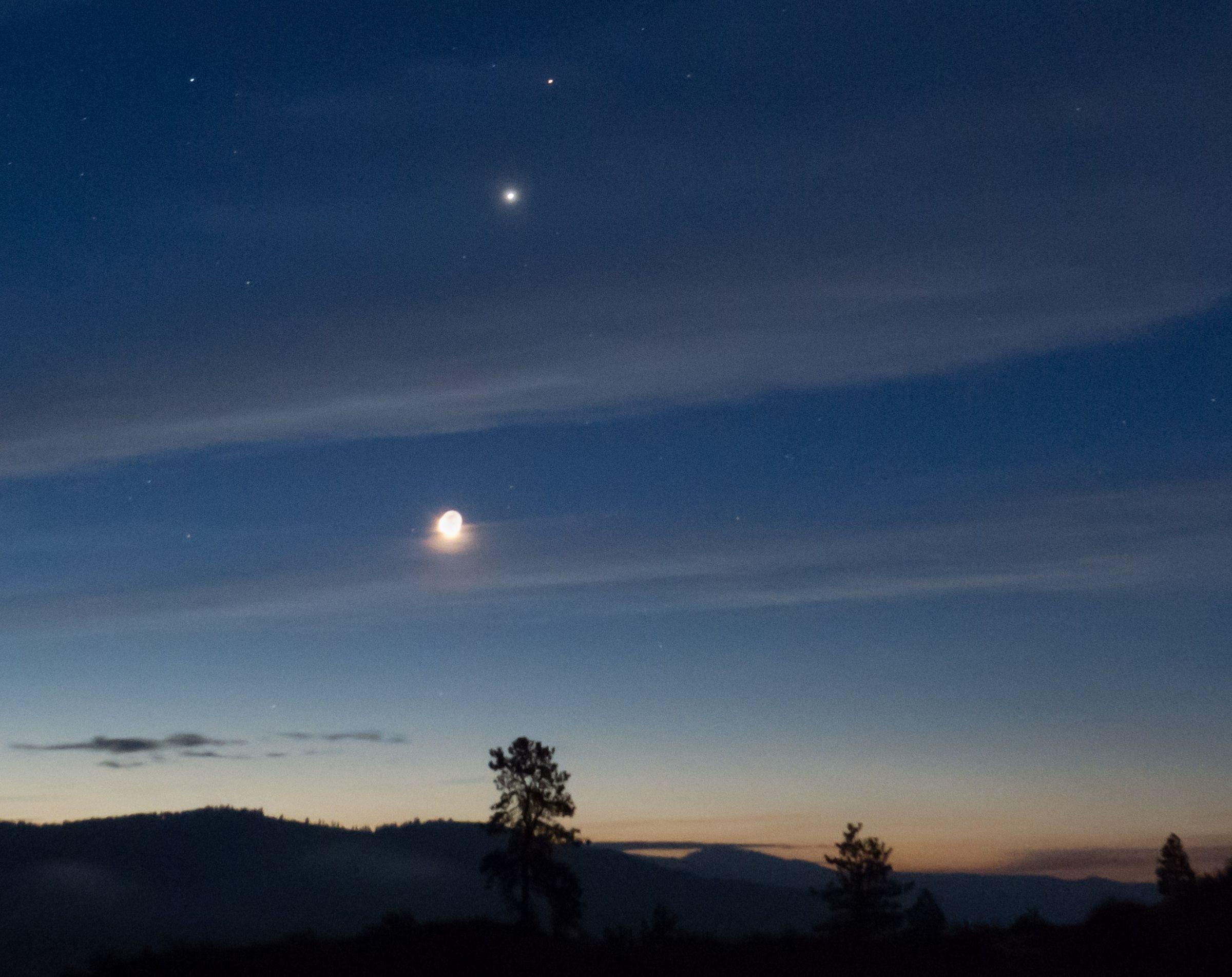
Moon Jupiter conjunction November 2026: how to photograph it from the UAE with a Moon frame and a planet frame
Moon Jupiter conjunction November 2026: how to photograph the Moon, Jupiter, Mars and Regulus before dawn on 30 Nov from the UAE, with a bracket plan.
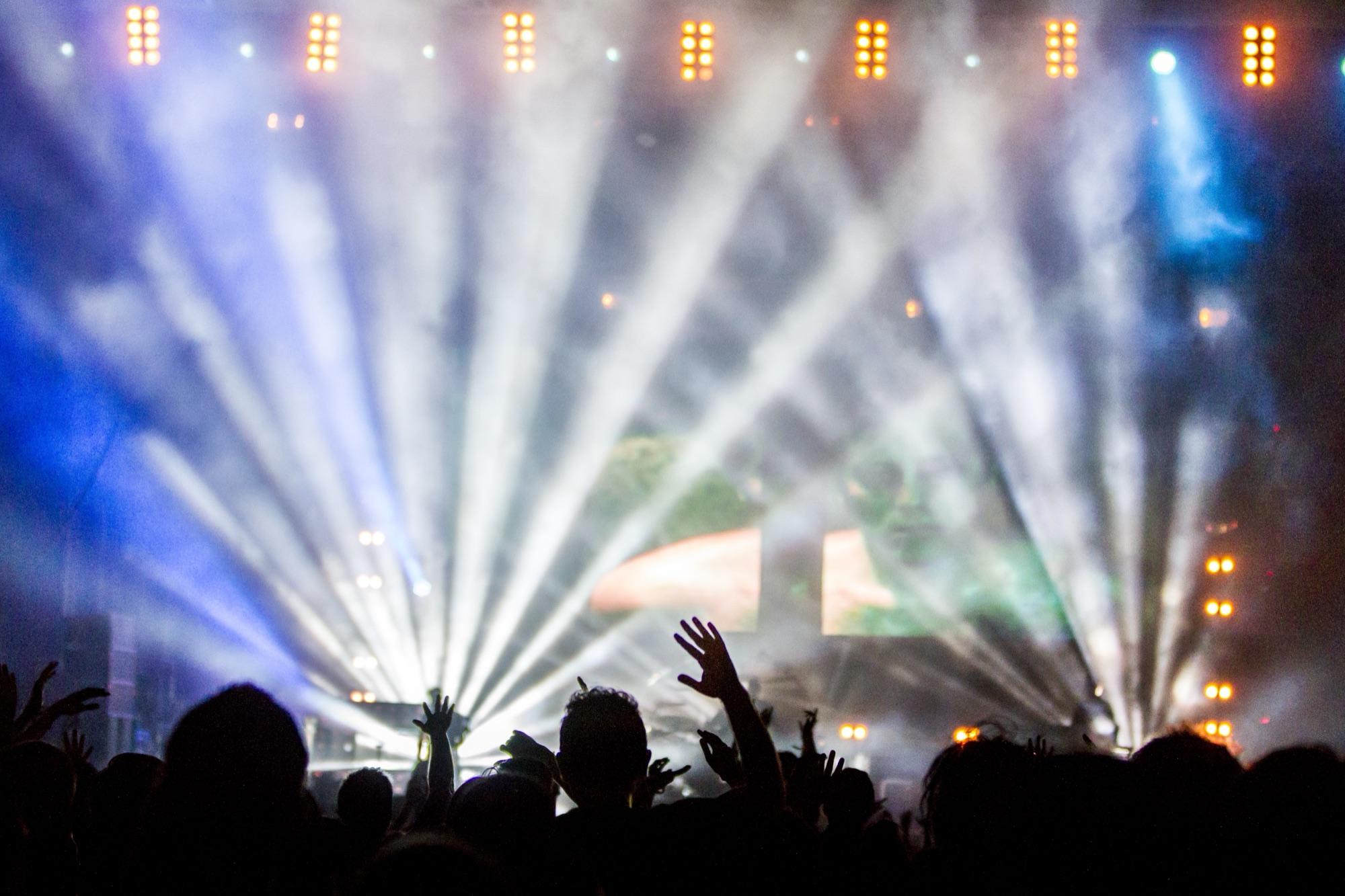
How to take concert photos with phone at UAE arenas, and what each venue allows
How to take concert photos with phone at UAE arenas: expose for faces, skip the flash, plus official rules at Coca-Cola, Etihad and Space42.
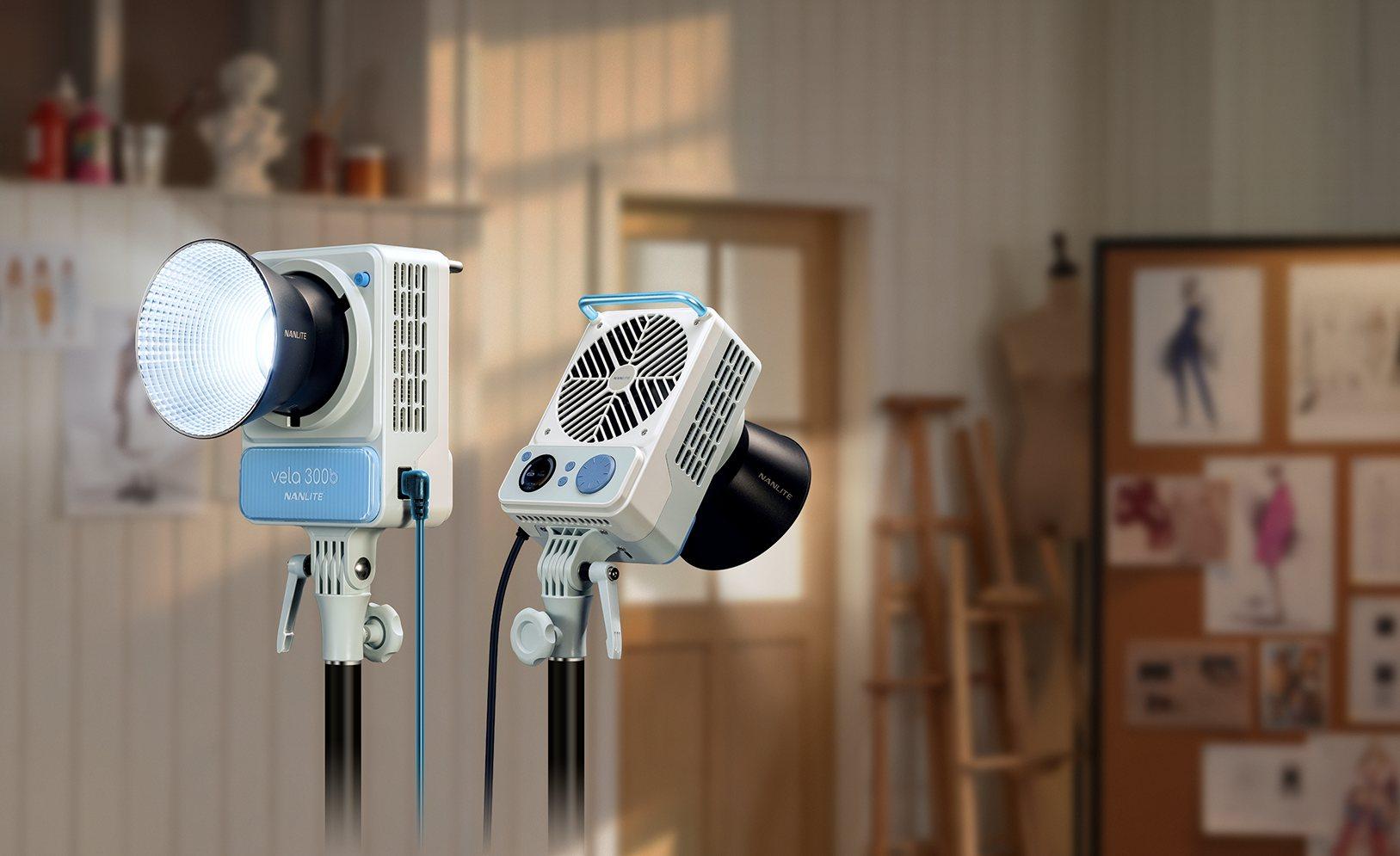

NANLITE vela 150 and 300: the 150s run on a power bank, the 300s need a socket
NANLITE vela 150 and 300 LED spotlights: official specs, which run on a power bank or V-mount battery, US prices, and no confirmed UAE stock or AED price.